- Swagger
- SwaggerGen
- SwaggerUI
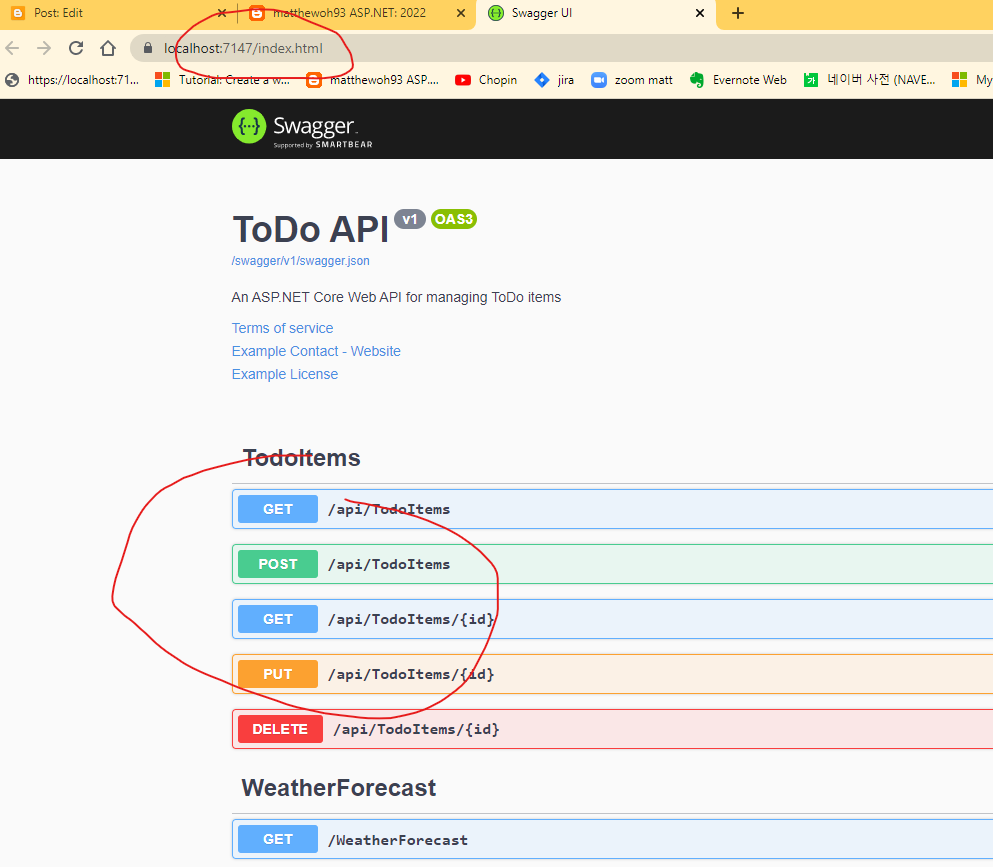
SwaggerUI
https://localhost:7147/swagger
SwaggerEndpoint
https://localhost:7147/swagger/v1/swagger.jsonSwaggerUI
https://localhost:7147/swagger
https://localhost:7147/swagger/v1/swagger.jsonhttps://docs.microsoft.com/en-us/aspnet/core/tutorials/web-api-javascript?view=aspnetcore-6.0
Some quotes from the tutorial page
How to call an ASP.NET Core web API with JavaScript, using the Fetch API.
The fetch function returns a Promise object, which contains an HTTP response represented as a Response object.
A common pattern is to extract the JSON response body by invoking the json function on the Response object.
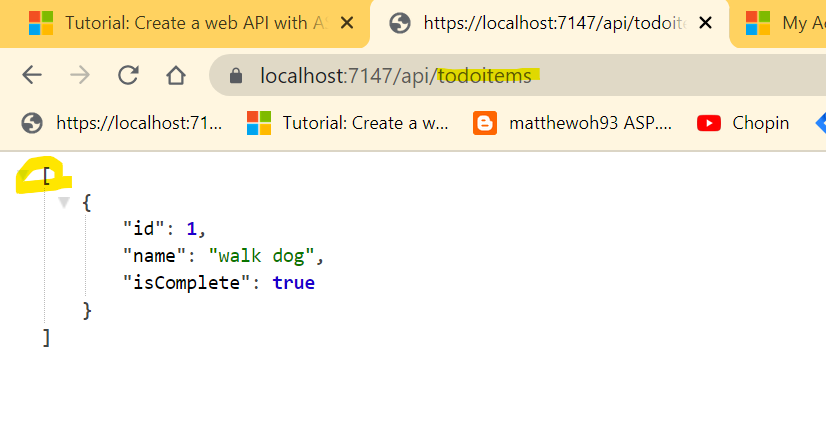
Get a list
const uri = 'api/todoitems';
let todos = [];
function getItems() {
fetch(uri)
.then(response => response.json())
.then(data => _displayItems(data))
.catch(error => console.error('Unable to get items.', error));
}
By changing launchSettings.json >> launchUrl remove, the project chagnes from API project to js html project.
Before :
After:
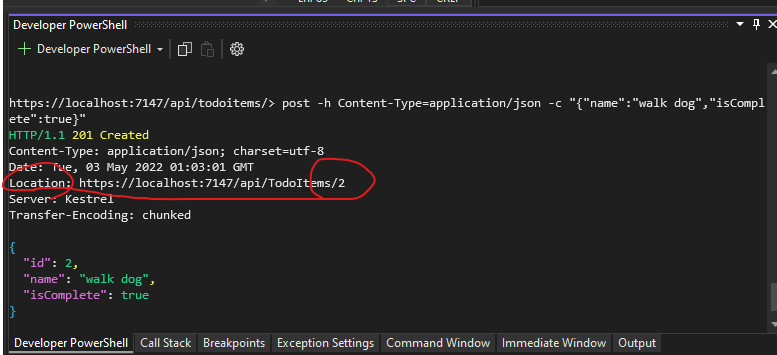
fetch(uri, {
method: 'POST',
Update
fetch(`${uri}/${itemId}`, {
method: 'PUT',
The tutorial ASP.NET Core MVC has content:
Add a model
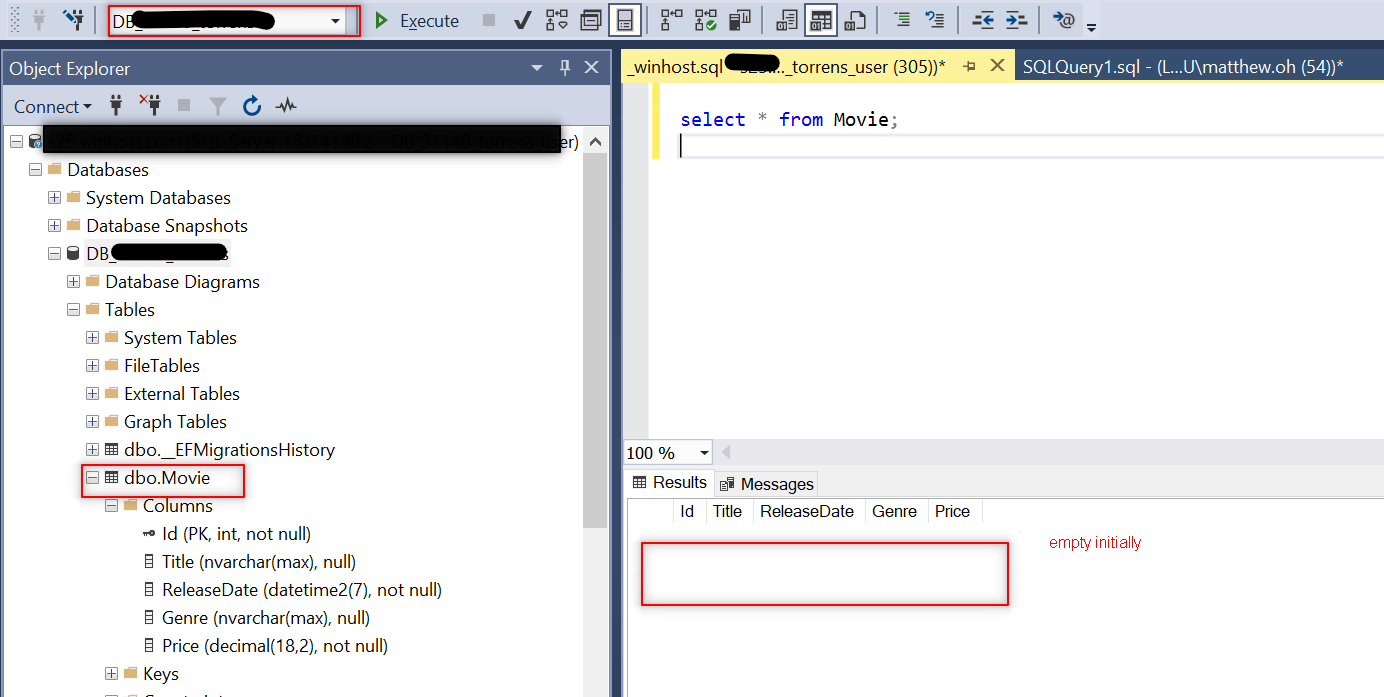
Below codes create database table based on model
Add-Migration InitialCreate
Update-Database
using (var scope = app.Services.CreateScope())
{
var services = scope.ServiceProvider;
SeedData.Initialize(services);
}
Add a new field
Add-Migration Rating
Update-Database
<questions>
private readonly MvcMovieContext _context;
q. when this context is setup?
ans. Controller >> right click >> add >> New scaffolded item ...
<next>
How to deploy
https://stackify.com/how-to-deploy-asp-net-core-to-iis/
What's ASP.NET Core?
https://stackify.com/asp-net-core-features/
Local database
Use ServerName = (LocalDb)\MSSQLLocalDB
I found that this guy had also $_FILES['image'][tmp_name] empty issue:
In my case, it was 2MB upload_max_filesize in php.ini. Please see PHP - empty $_POST and $_FILES - when uploading larger files I pulled out my hair for 2 hours. Nothing wrong with Axios. I didn't need to specify headers.
scr-webservice todo list
I'm trying to upload image with React. Source code copied from:
https://www.geeksforgeeks.org/file-uploading-in-react-js/
Image upload required post API call eg, App.js#line39
API is Lumen. Source code is named scr-webservice.
Post call:
http://localhost:8000/api/imageupload
There is a very good video of image upload using React.js:
https://www.youtube.com/watch?v=XeiOnkEI7XI
Talks about axios post call at video 4:20, but using Firebase, which takes another learning time.
Found another good site talking about React and Lumen connection: