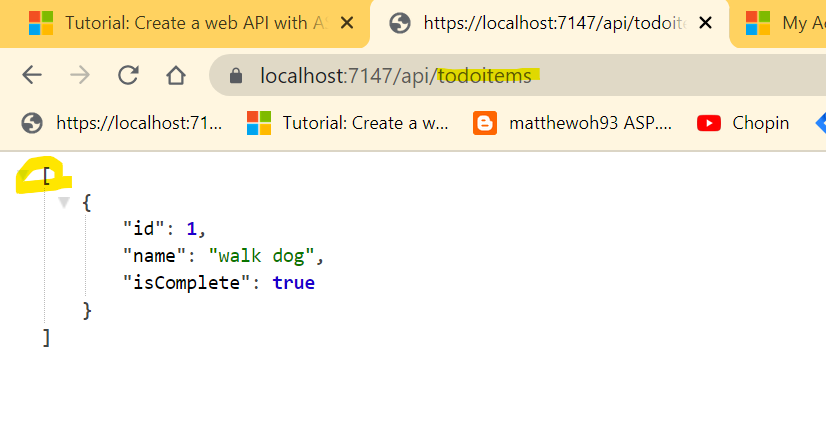
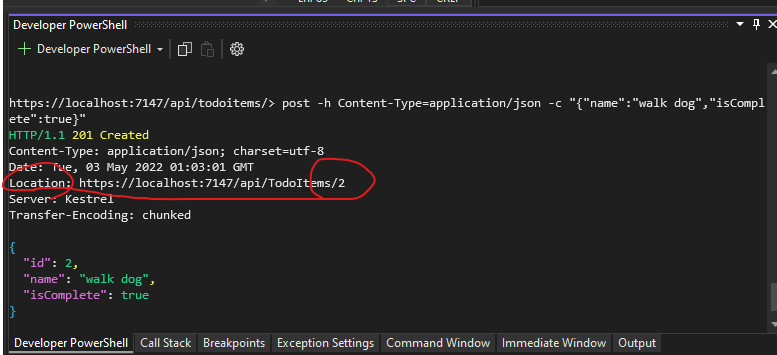
The ASP.Net core API tutorial was designed as a Memory project.
Can we change this project to the local database?
This Swagger thing will be useful to test API projects.
But memory project, you have to insert test data again and again.
Error screens:


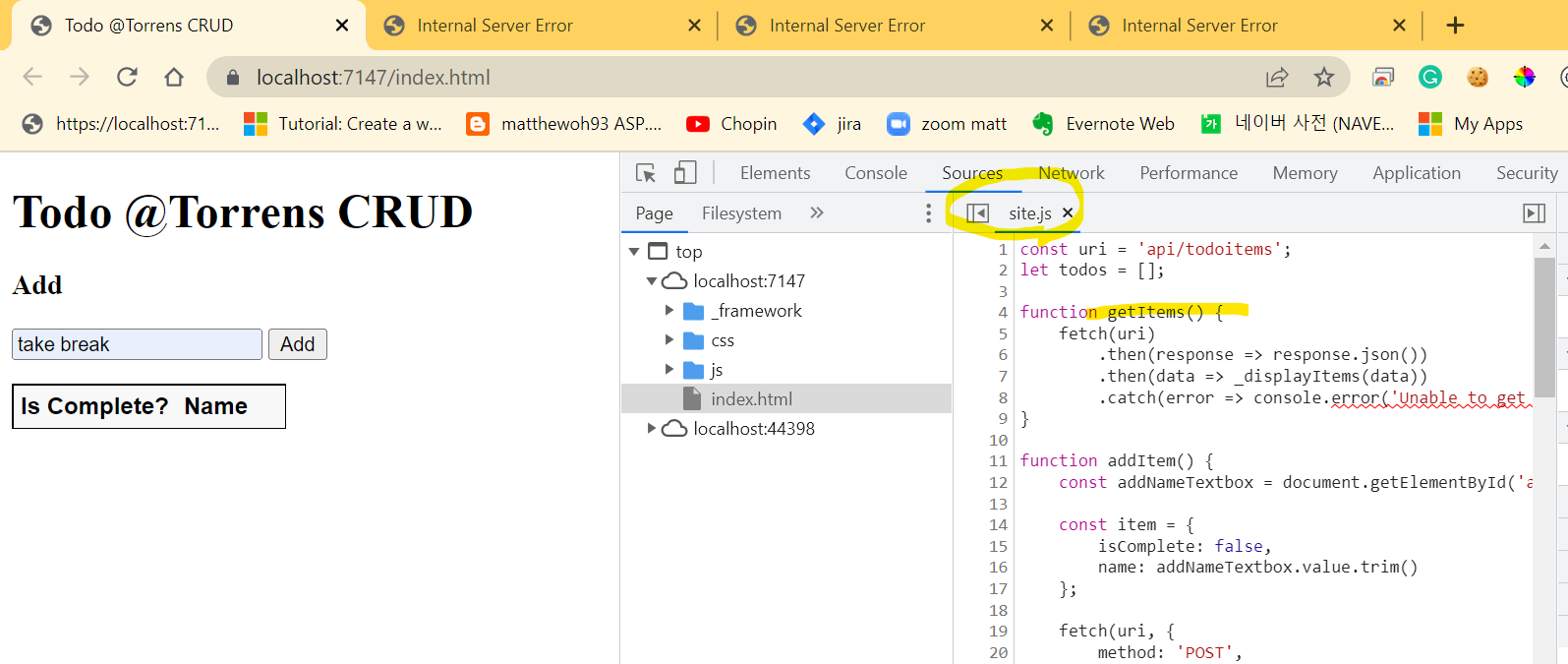
1. Program.js
//builder.Services.AddDbContext<TodoContext>(opt => opt.UseInMemoryDatabase("TodoList"));
builder.Services.AddDbContext<TodoContext>(options =>
options.UseSqlServer(builder.Configuration.GetConnectionString("MvcMovieContext") ?? throw new InvalidOperationException("Connection string 'MvcMovieContext' not found.")));
2. appsettings.json
"ConnectionStrings": {
// "MvcMovieContext": "Server=(localdb)\\mssqllocaldb;Database=MvcMovieContext-5ce78374-ee90-4f0c-b086-d99522791c01;Trusted_Connection=True;MultipleActiveResultSets=true",
"MvcMovieContext": "Data Source=xxx;Initial Catalog=xxx;User ID=xxx;Password=xxx;Integrated Security=False;"
}
}
You need to create table in the db. Note bigint. Otherwise, I had error.
CREATE TABLE [dbo].[TodoItems](
[Id] [bigint] NULL,
[Name] [nvarchar](50) NULL,
[IsComplete] [bit] NULL,
[Secret] [nvarchar](50) NULL
) ON [PRIMARY]
GO
Error screens:

Table name is TodoItems not TodoList

BigInt

Post operation still not wokring
Before that, it made error in TodoItemsController.cs#PostTodoItem()
await _context.SaveChangesAsync();
Swagger testing is working as well!