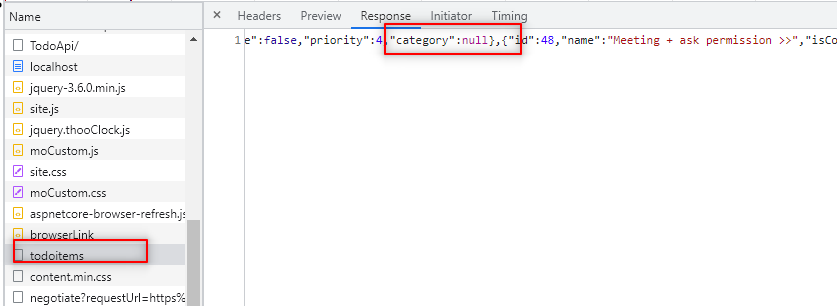
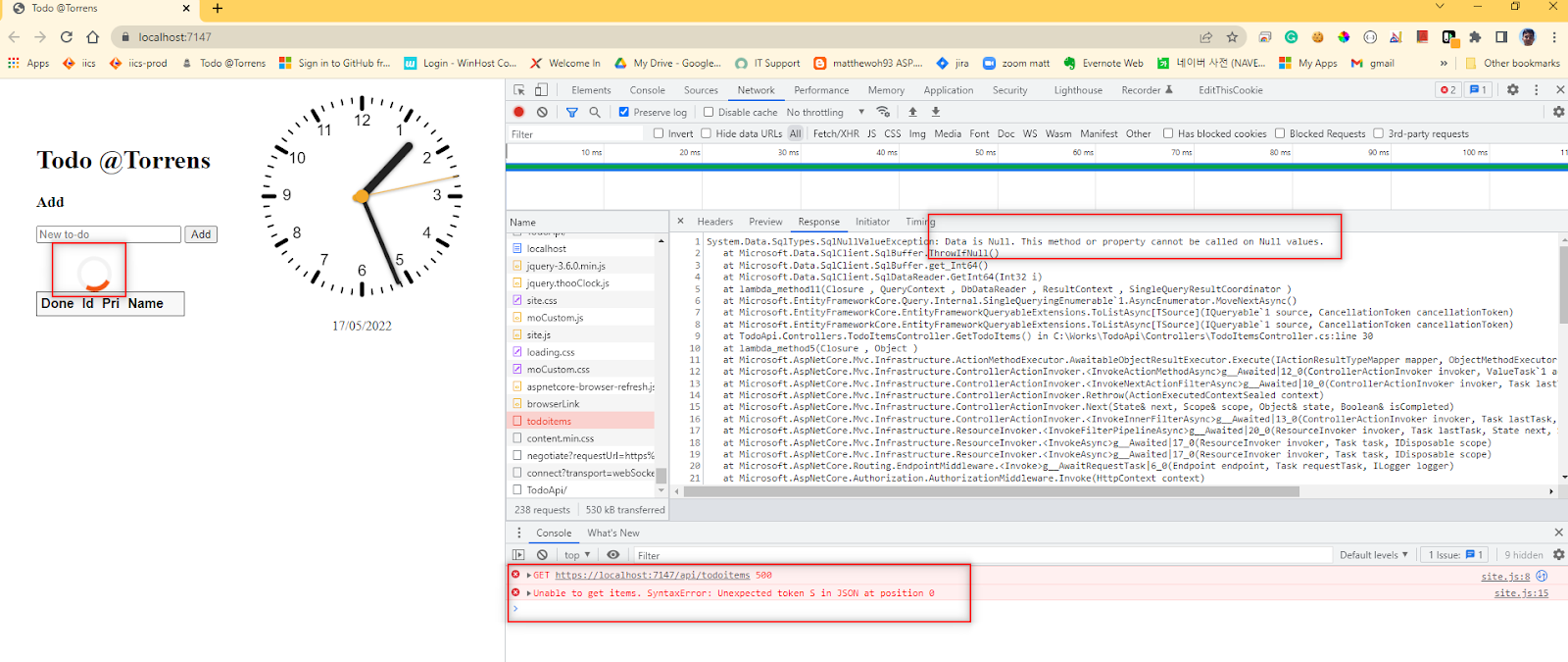
I want to add 4 more columns to the table.
GET CategoryView
index.html
<form action="javascript:void(0);" method="POST" onsubmit="changeCategory()">
<select id="select-category">
<option>Please select</option>
</select>
</form>
Model
TodoItem.cs, TodoItemDTO.cs
public string? Category { get; set; }
Controller
TodoItemsController.cs
private static TodoItemDTO ItemToDTO(TodoItem todoItem) => new TodoItemDTO
{
Id = todoItem.Id,
Name = todoItem.Name,
IsComplete = todoItem.IsComplete,
Priority = todoItem.Priority,
Category = todoItem.Category,
};
PUT Category
View
site.js
function updateItem() {
if (!validateCategory()) {
return;
}
const itemId = document.getElementById('edit-id').value;
const item = {
id: parseInt(itemId, 10),
isComplete: document.getElementById('edit-isComplete').checked,
name: document.getElementById('edit-name').value.trim(),
priority: document.getElementById('edit-priority').value.trim(),
category: selectCategory.value,
};
callUpdateAPI(item);
closeInput();
return false;
}
Controller
Model
Add Category
View
site.js
function addItem() {
const addCategory = document.getElementById('add-category');
const addCategoryCheckbox = document.getElementById('add-category-checkbox');
let categoryString = undefined;
if (addCategoryCheckbox.checked) {
categoryString = addCategory.value;
} else {
if (!validateCategory()) {
return;
}
categoryString = selectCategory.value;
}
// saving ...
const addNameTextbox = document.getElementById('add-name');
toggleInputValue("#add-name-button");
const item = {
isComplete: false,
name: addNameTextbox.value.trim(),
priority: 9,
category: categoryString
};
Controller
TodoItemsController.cs
[HttpPost]
public async Task<ActionResult<TodoItem>> PostTodoItem(TodoItemDTO todoItemDTO)
{
var todoItem = new TodoItem
{
IsComplete = todoItemDTO.IsComplete,
Name = todoItemDTO.Name,
Priority = todoItemDTO.Priority,
Category = todoItemDTO.Category,
};
_context.TodoItems.Add(todoItem);
await _context.SaveChangesAsync();
//return CreatedAtAction("GetTodoItem", new { id = todoItem.Id }, todoItem);
return CreatedAtAction(nameof(GetTodoItem), new { id = todoItem.Id }, ItemToDTO(todoItem));
}
Model