Sunday, 29 May 2022

WPF tutorial

https://docs.microsoft.com/en-us/visualstudio/get-started/csharp/tutorial-wpf?view=vs-2022

So easy to release:

  • No IIS publish
  • No admin permission to install the program
  • UI can be easily updated through XAML file.


More tutorials:

https://docs.microsoft.com/en-us/dotnet/desktop/wpf/getting-started/wpf-walkthroughs?view=netframeworkdesktop-4.8

I choose the first one.

https://docs.microsoft.com/en-us/previous-versions/visualstudio/visual-studio-2010/bb546972(v=vs.100)

This tutorial shows TreeView and two ListViews.

Code converted to c# by: https://converter.telerik.com/


<ListView Name="listView1" 

        ItemsSource="{Binding Path=SelectedItem.SubFolders, ElementName=treeView1, Mode=OneWay}" 

        Grid.Column="1" 

        Grid.RowSpan="1" />


        <ListView Name="listView2" 

        ItemsSource="{Binding Path=SelectedItem.Files, ElementName=treeView1, Mode=OneWay}" 

        Grid.Column="1" 

        Grid.Row="1" />

Friday, 27 May 2022

Thursday, 26 May 2022

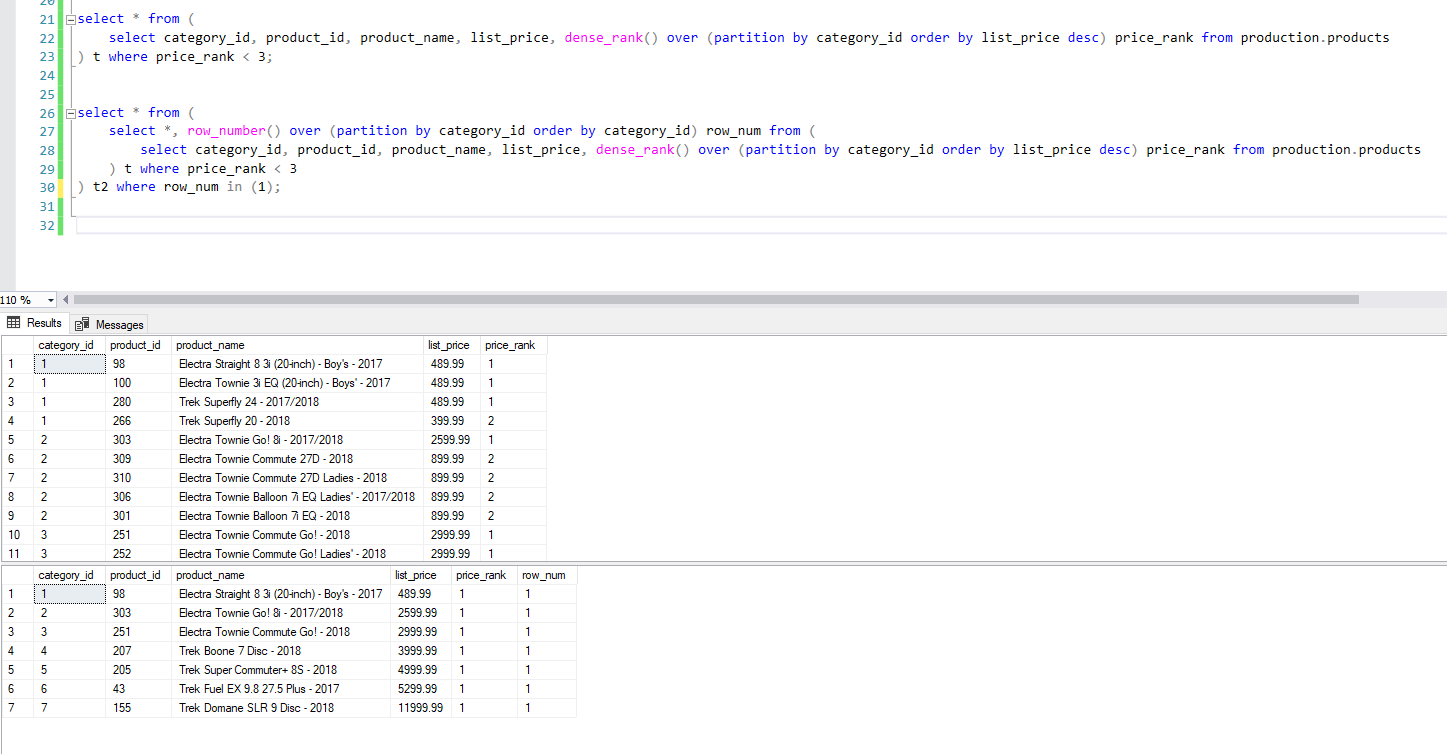
dense_rank()

Good url about dense_rank()

https://www.sqlservertutorial.net/sql-server-window-functions/sql-server-dense_rank-function/#:~:text=The%20DENSE_RANK()%20is%20a,they%20have%20the%20same%20values.

-- In addition to dense_rank(), apply row_number for each row

 select *, row_number() over (partition by category_id order by category_id) row_num from (

select category_id, product_id, product_name, list_price, dense_rank() over (partition by category_id order by list_price desc) price_rank from production.products

) t where price_rank < 3;

-- Top 1 record for each category by price

select * from (

select *, row_number() over (partition by category_id order by category_id) row_num from (

select category_id, product_id, product_name, list_price, dense_rank() over (partition by category_id order by list_price desc) price_rank from production.products

) t where price_rank < 3

) t2 where row_num in (1);


Wednesday, 25 May 2022

DevOPs pipeline

 Very confusing ...

Hi winhost,
Do you support DevOPs pipeline?
I am trying to replicate my table structure and data into one of my database in winhost.
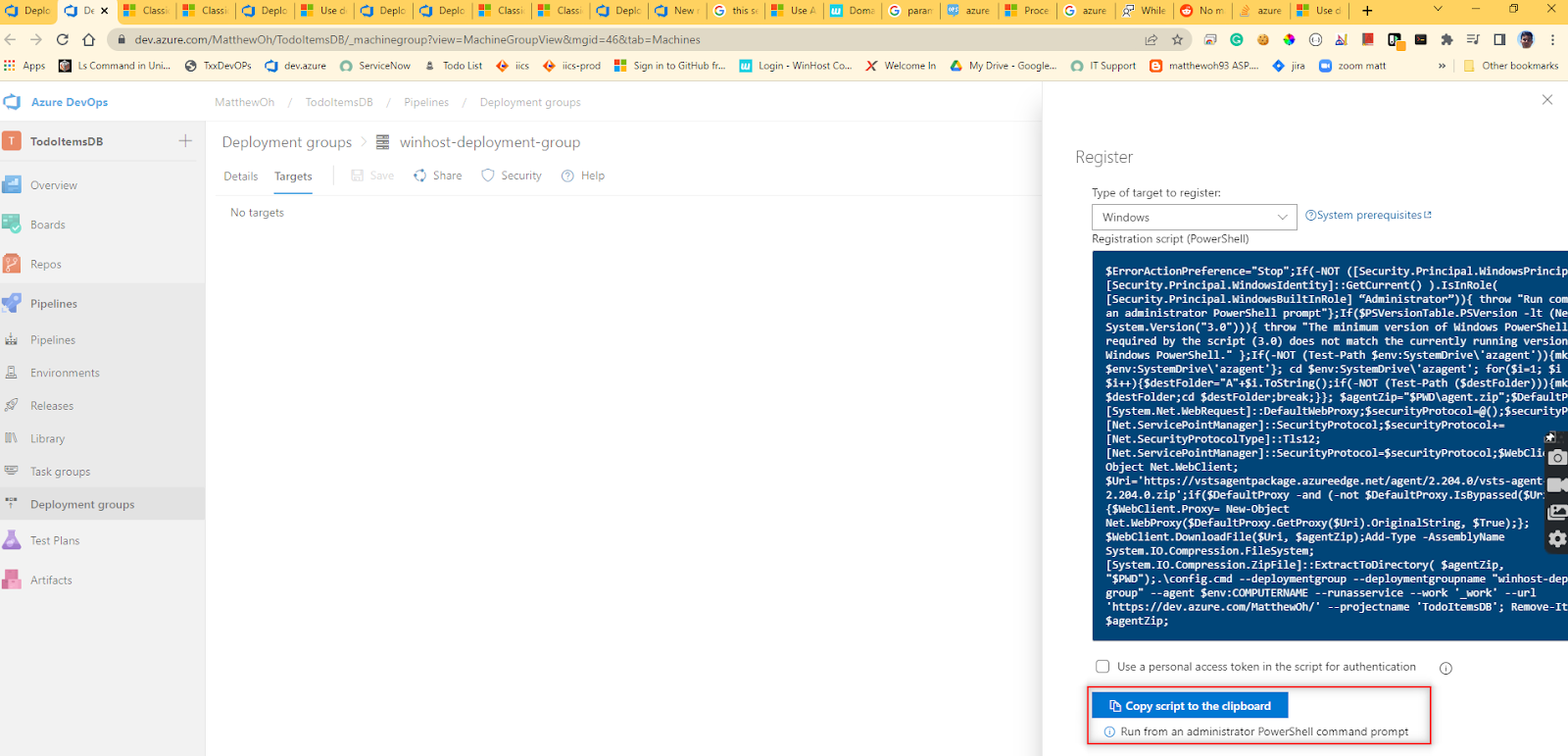
MS document seems saying that I need to run windows shell script on the server.
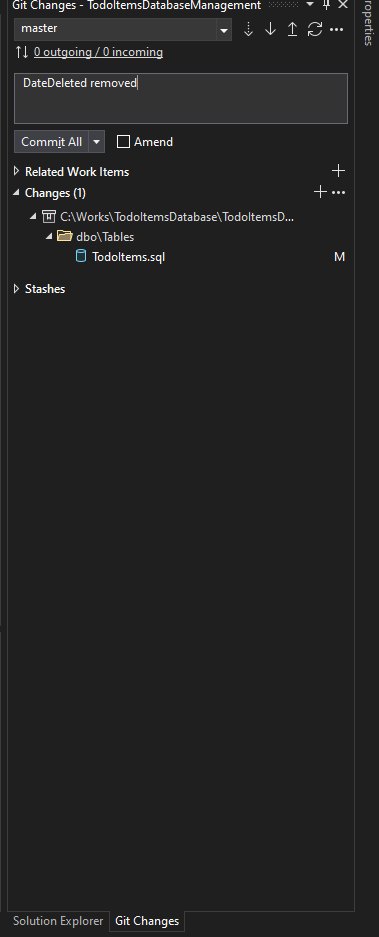
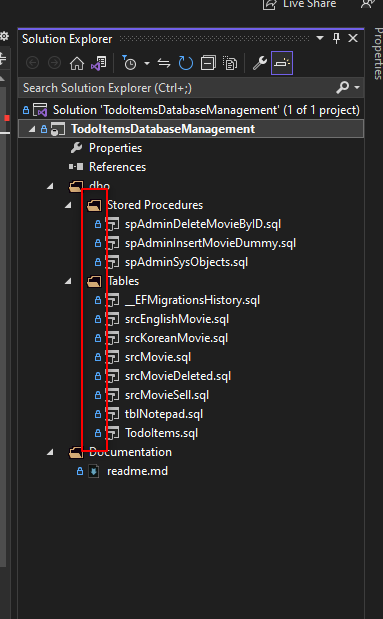
Please see attached screenshots.
Any reply will be appreciated.
Thank you,
Matthew


Monday, 23 May 2022

Azure DevOPs repo

Create a new repo

I couldn't make git push work with DevOps. It just showed below stupid screen with wrong branch 'main' not 'master'.


The below could mismatch. That's fine. You just need to go to the DevOps site and select the correct repo.

  • Visual studio >> Git menu >> git global setting
  • Visual studio >> File menu >> account setting


Go to Project >> Repo

Select correct one that you created from Visual Studio.


Now all files show.


Change repo
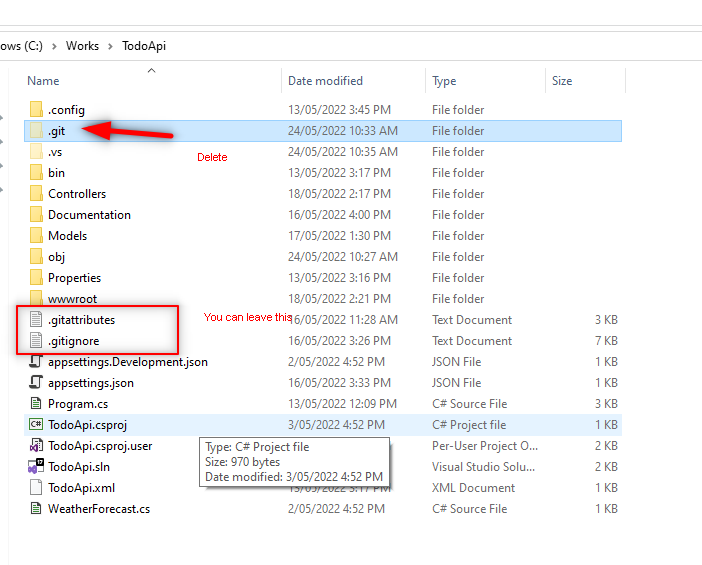
  1. Delete .git folder
  2. Close/reopen visual studio
  3. Git>> Create a repository
  4. Select Azure DevOps
  5. Make the repository name different from the project name, eg, TodoApiMainenance


Add more columns to Todo Web api project

 I want to add 4 more columns to the table.


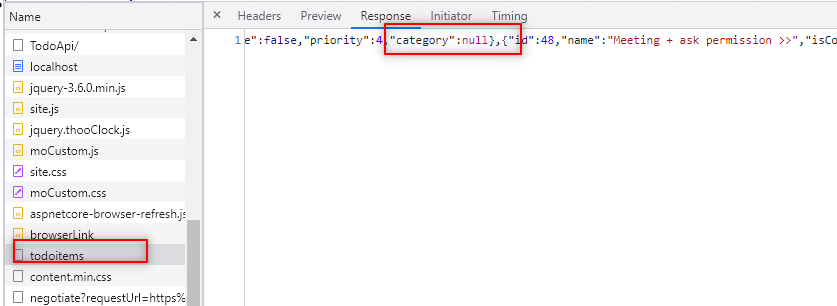
GET Category

View
index.html
            <form action="javascript:void(0);" method="POST" onsubmit="changeCategory()">
                <select id="select-category">
                    <option>Please select</option>
                </select>
            </form>

Model
TodoItem.cs, TodoItemDTO.cs

public string? Category { get; set; }


Controller

TodoItemsController.cs
private static TodoItemDTO ItemToDTO(TodoItem todoItem) => new TodoItemDTO
        {
            Id = todoItem.Id,
            Name = todoItem.Name,
            IsComplete = todoItem.IsComplete,
            Priority = todoItem.Priority,
            Category = todoItem.Category,
        };


PUT Category

View
site.js
function updateItem() {
    if (!validateCategory()) {
        return;
    }
    
    const itemId = document.getElementById('edit-id').value;
    const item = {
        id: parseInt(itemId, 10),
        isComplete: document.getElementById('edit-isComplete').checked,
        name: document.getElementById('edit-name').value.trim(),
        priority: document.getElementById('edit-priority').value.trim(),
        category: selectCategory.value,
    };

    callUpdateAPI(item);

    closeInput();

    return false;
}
Controller
Model

Add Category

View
site.js
function addItem() {
    const addCategory = document.getElementById('add-category');
    const addCategoryCheckbox = document.getElementById('add-category-checkbox');
    let categoryString = undefined;

    if (addCategoryCheckbox.checked) {
        categoryString = addCategory.value;
    } else {
        if (!validateCategory()) {
            return;
        }
        categoryString = selectCategory.value;
    }    

    // saving ...
    const addNameTextbox = document.getElementById('add-name');
    toggleInputValue("#add-name-button");
    
    const item = {
        isComplete: false,
        name: addNameTextbox.value.trim(),
        priority: 9,
        category: categoryString
    };
Controller
TodoItemsController.cs

        [HttpPost]
        public async Task<ActionResult<TodoItem>> PostTodoItem(TodoItemDTO todoItemDTO)
        {
            var todoItem = new TodoItem
            {
                IsComplete = todoItemDTO.IsComplete,
                Name = todoItemDTO.Name,
                Priority = todoItemDTO.Priority,
                Category = todoItemDTO.Category,
            };

            _context.TodoItems.Add(todoItem);
            await _context.SaveChangesAsync();

            //return CreatedAtAction("GetTodoItem", new { id = todoItem.Id }, todoItem);
            return CreatedAtAction(nameof(GetTodoItem), new { id = todoItem.Id }, ItemToDTO(todoItem));
        }
Model